Managing Reservations Effectively
Master reservation management in Semeru: create, edit, track status, and manage room assignments for your property.
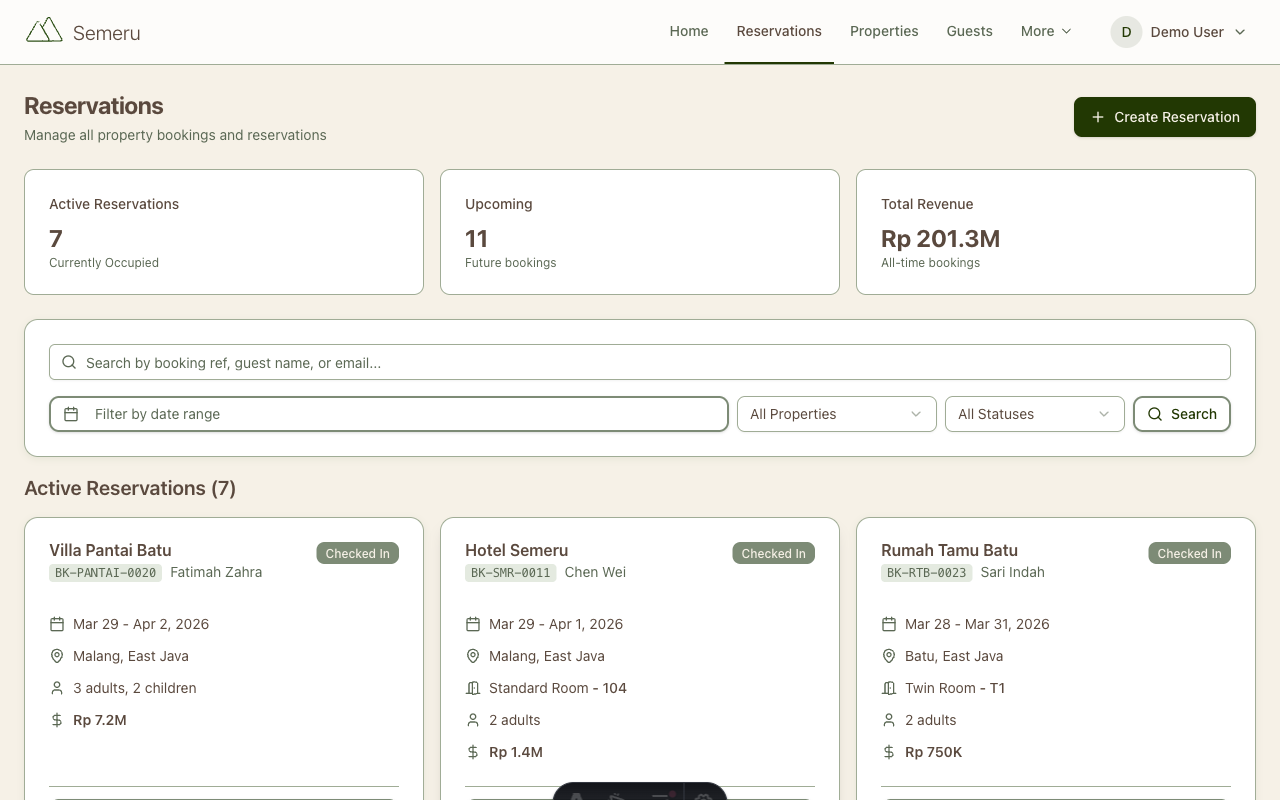
Reservations are the heart of any hospitality business. Semeru gives you the tools to manage the full reservation lifecycle, from the moment a guest books to the day they check out. This guide covers everything you need to know.
The Reservation Lifecycle
Every reservation in Semeru follows a clear status flow:
- Confirmed: The booking is confirmed and the room is blocked
- Checked In: The guest has arrived and is occupying the room
- Checked Out: The stay is complete
- Cancelled: The booking was cancelled before arrival
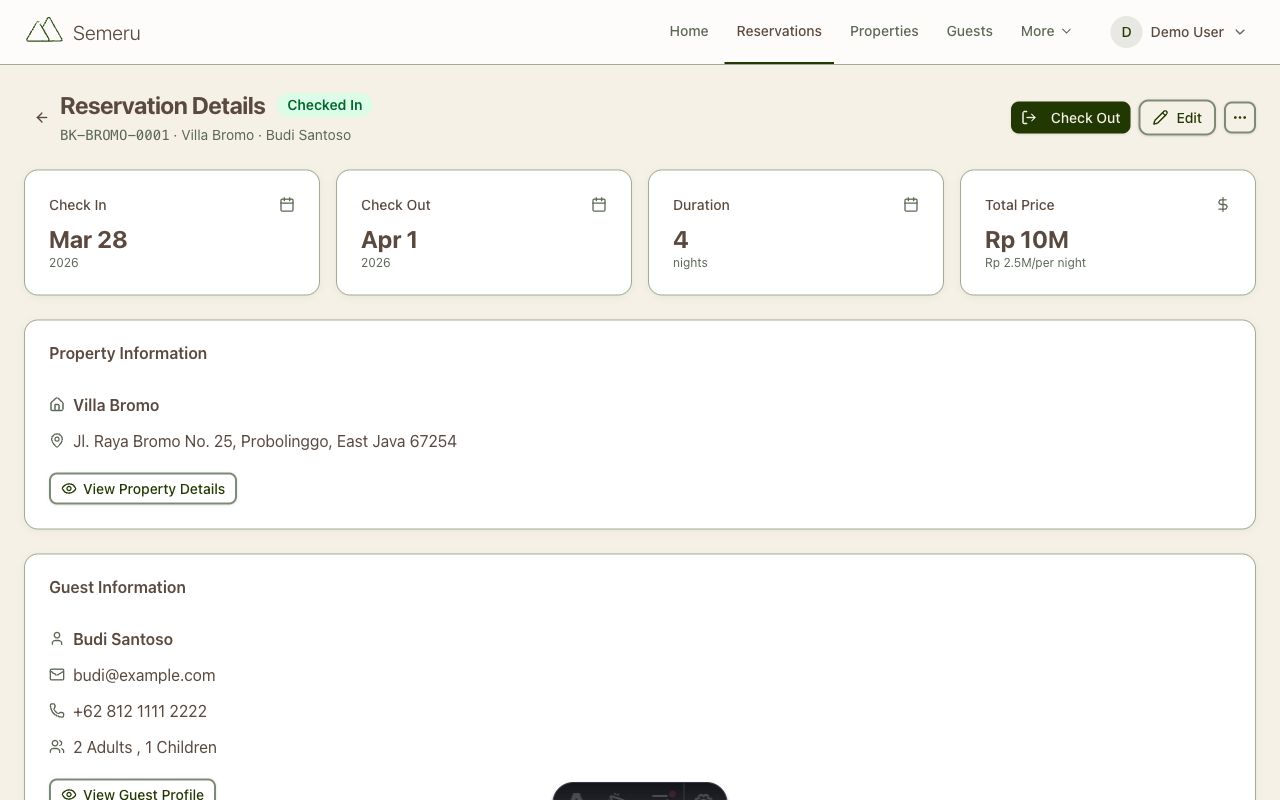
You can update the status at any time from the reservation detail page. Semeru automatically tracks when each status change happened for your records.
Creating a Reservation
From the Reservations page, click New Reservation. The form guides you through:
Guest Information
Select an existing guest from the dropdown or create a new one on the spot. Guest profiles store contact details, ID information, and stay history, so returning guests are easy to look up.
Dates and Room
Pick your check-in and check-out dates from the calendar. Then select a room type and assign a specific room. Semeru shows you which rooms are available for your selected dates, so you’ll never double-book.
Rate and Notes
The rate is pre-filled from the room type’s base rate, but you can override it for special arrangements. Add internal notes for your team, like “guest requested extra pillows” or “late check-in expected”.
Editing Reservations
Need to change dates, swap rooms, or update guest details? Open the reservation and click Edit. Common scenarios:
- Extending a stay: adjust the check-out date and Semeru recalculates the total
- Room change: move the guest to a different room if plans change
- Rate adjustment: update the nightly rate for a discount or upgrade
- Adding notes: keep your team informed of special requests
All changes are logged in the Activity Log, so you always have an audit trail.
Calendar View
The calendar view is one of the most powerful tools in Semeru. It gives you a visual overview of:
- Room occupancy: see which rooms are booked and which are free
- Check-in/check-out flow: understand your daily turnover at a glance
- Gaps and opportunities: spot empty nights you could fill with promotions
Use the filters to focus on specific room types or date ranges. The calendar is color-coded by reservation status, making it easy to scan.
Tips for Smooth Operations
Handle Walk-ins Quickly
For unexpected guests, create a reservation with today as the check-in date and immediately set the status to Checked In. The process takes under a minute.
Use Guest Profiles
Encourage your team to fill in guest profiles completely. When a returning guest calls, you can pull up their history instantly: past stays, preferences, and contact details. This personal touch makes a big difference.
Set Up Team Access
If you have front desk staff or managers, invite them as Team Members with appropriate roles. This way, everyone can manage reservations without sharing a single login.
Review the Activity Log
The activity log tracks every change made to reservations. This is invaluable for resolving disputes (“Who cancelled this booking?”) and training new staff.
What’s Next?
- Billing & Invoicing: Learn how to generate invoices from reservations and track payments
- Getting Started: If you haven’t set up your property yet, start here
- WhatsApp Messaging: Send booking confirmations and reminders directly to guests via WhatsApp